



Squirrel
-
Posts
34,840 -
Joined
-
Last visited
-
Days Won
167
Content Type
Profiles
Minnesota Twins News, Rumors & Analysis
Minnesota Twins Videos
2026 Minnesota Twins Top Prospect Rankings
2022 Minnesota Twins Draft Picks & Signing Bonuses
Minnesota Twins Trade & Free Agent Rumors
Minnesota Twins Fan Guides & Resources
2023 Minnesota Twins Draft Picks & Signing Bonuses
The Minnesota Twins Players Project
2024 Minnesota Twins Draft Picks & Signing Bonuses
2025 Minnesota Twins Draft Picks & Signing Bonuses
2026 Minnesota Twins Draft Picks & Signing Bonuses
Forums
Blogs
Events
Store
Downloads
Gallery
Everything posted by Squirrel
-
I wouldn't even put lutefisk on that list. Enough melted butter drowns the lutefisk effectively.
-
 Well, that's the public moderator version. I won't repeat type what I scream at my computer when one of those goes off again, and again, and again ...
-
Yup ... sneaky bastards those ad people.
-
Yeah, me too. Brock knows and I'm sure will be dealing with it. Seems like it gets stopped only to start up again. It's annoying to have to do this every time, but in the meantime, you can stop the videos from running by clicking on the little tiny stop button in the upper right hand corner of the ad. Or mute your computer as JB suggested a while back. Unfortunately muting the computer isn't always an option for me because of other things I'm doing, but try that for the next day or two while on the site until it's resolved.
-
Say "Hi" at Today's Touch Em All Pub Crawl!
Squirrel replied to John Bonnes's topic in Twins Daily Front Page News
Sorry I missed you! I was there, too! -
Yup.
-
Game Thread: Tigers@Twins 8/24 1:10pm
Squirrel replied to Brock Beauchamp's topic in Archived Game Threads
Yes (a la Chief) -
Game Thread: Tigers@Twins 8/24 1:10pm
Squirrel replied to Brock Beauchamp's topic in Archived Game Threads
Today's vantage with glunn, Mrs. glunn, RB, Bark, Mrs. Bark and me.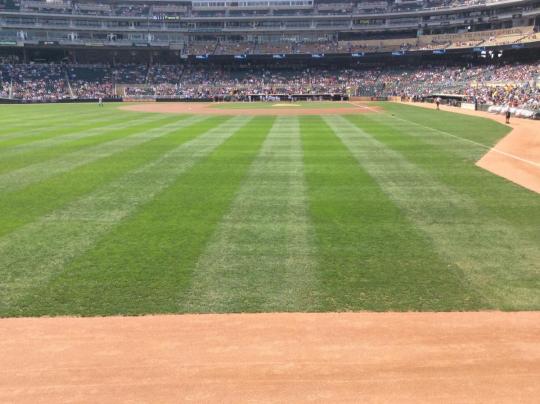
-
Game Thread: Tigers@Twins 8/24 1:10pm
Squirrel replied to Brock Beauchamp's topic in Archived Game Threads
TIGERS: SP, Scherzer Rajai Davis CF Ian Kinsler 2B Torii Hunter RF Victor Martinez DH J.D. Martinez LF Nick Castellanos 3B Alex Avila C Eugenio Suarez SS Don Kelly 1B TWINS: SP, Gibson Danny Santana CF Brian Dozier 2B Joe Mauer 1B Kennys Vargas DH Oswaldo Arcia RF Trevor Plouffe 3B Kurt Suzuki C Eduardo Escobar SS Jordan Schafer LF -
Game Thread: Tigers@Twins 8/23 7:10pm, Game 2
Squirrel replied to Brock Beauchamp's topic in Archived Game Threads
Hey, I didn't notice those pictures being taken! -
Game Thread: Tigers@Twins 8/23 7:10pm, Game 2
Squirrel replied to Brock Beauchamp's topic in Archived Game Threads
Tonight's vantage point. GO TWINS!! Wooioooihioooooo! Not really drunk just a bit tipsy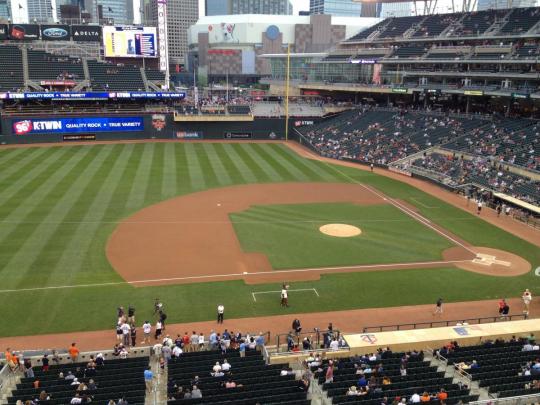
-
Game Thread: Tigers@Twins 8/22 7:10pm
Squirrel replied to Brock Beauchamp's topic in Archived Game Threads
Yup. And we're still there. -
Game Thread: Tigers@Twins 8/22 7:10pm
Squirrel replied to Brock Beauchamp's topic in Archived Game Threads
And then some. I blame the moderators for being at the game. -
Game Thread: Tigers@Twins 8/22 7:10pm
Squirrel replied to Brock Beauchamp's topic in Archived Game Threads
Can I make you eat those words? -
Game Thread: Tigers@Twins 8/22 7:10pm
Squirrel replied to Brock Beauchamp's topic in Archived Game Threads
Yep. He has been evicted from ModCon14. :$(&:)/);$/$;>|>{^€ -
Game Thread: Tigers@Twins 8/22 7:10pm
Squirrel replied to Brock Beauchamp's topic in Archived Game Threads
You can always say whatever you want, you just might regret it -
Game Thread: Tigers@Twins 8/22 7:10pm
Squirrel replied to Brock Beauchamp's topic in Archived Game Threads
-
Game Thread: Tigers@Twins 8/22 7:10pm
Squirrel replied to Brock Beauchamp's topic in Archived Game Threads
Hell no! -
Game Thread: Tigers@Twins 8/22 7:10pm
Squirrel replied to Brock Beauchamp's topic in Archived Game Threads
That was not me and y all know who that really was. -
Game Thread: Tigers@Twins 8/22 7:10pm
Squirrel replied to Brock Beauchamp's topic in Archived Game Threads
I'm ChiTown... And I just gotta say... Riverbrian is the coolest guy. He has taught me the value of the elipse and his driving skills are amazing. -
Game Thread: Tigers@Twins 8/22 7:10pm
Squirrel replied to Brock Beauchamp's topic in Archived Game Threads
The mod crew's vantage for tonight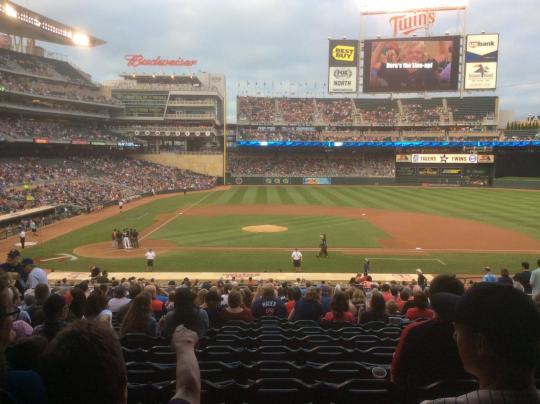
-
Welcome to the new Twins Daily!
Squirrel replied to Brock Beauchamp's topic in Twins Daily Front Page News
It's still there. Go to 'My Settings' and on the left hand side of the screen you should see 'Ignore Preferences.' Click on that and take it from there. -
Game Thread: Indians@Twins 8:20 7:10PM
Squirrel replied to Riverbrian's topic in Archived Game Threads
Aaaargh! Frustrating! -
Game Thread: Indians@Twins 8:20 7:10PM
Squirrel replied to Riverbrian's topic in Archived Game Threads
Saw a guy at the hotel I'm at wearing a White Sox shirt. I told him he was in the wrong city wearing that. -
Game Thread: Indians@Twins 8:20 7:10PM
Squirrel replied to Riverbrian's topic in Archived Game Threads
Wow. A Babe Ruth autographed baseball for a uniform number?