



MichaelHaas
-
Posts
3 -
Joined
-
Last visited
1 Follower

MichaelHaas's Achievements






-
 MichaelHaas reacted to a post in a topic:
Tips for Listening to Twins Games on the Radio
MichaelHaas reacted to a post in a topic:
Tips for Listening to Twins Games on the Radio
-
Strombomb reacted to an article:
Tips for Listening to Twins Games on the Radio
-
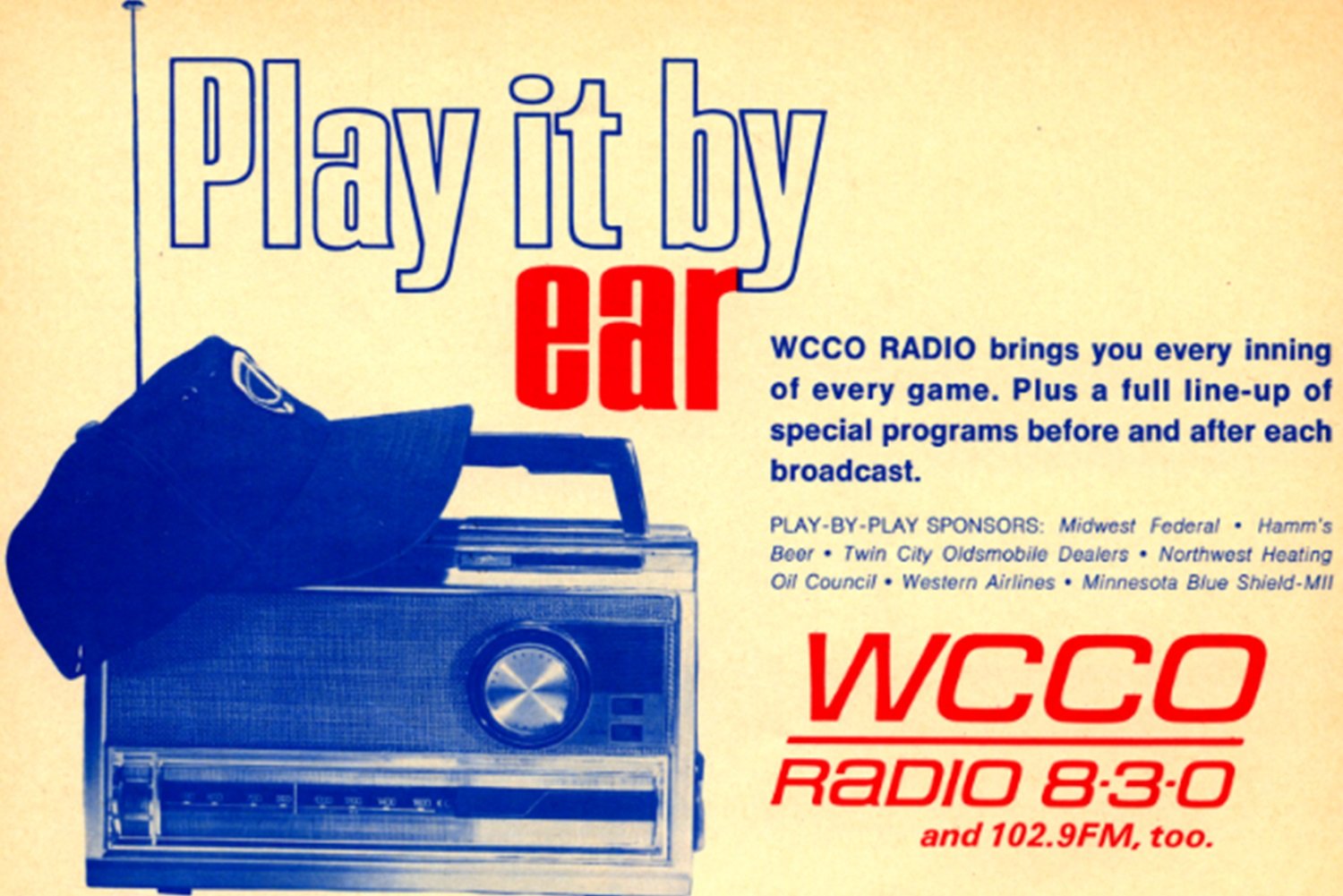 How to Listen to the Twins on the Radio Did you know that the Twins produce a live audio stream of every game? 1. Download the Audacy app and find 830 WCCO. This stream is hosted by Kris Atteberry and Twins great Dan Gladden. It's also available from Audacy's website and on smart speakers. "Alexa, play WCCO" does it for this author. A caveat - WCCO, WCCO2, and 102.9 The Wolf via Audacy is not supposed to work for people outside the Twin Cities Metro Area. If that's you, keep reading. 2. Download the TuneIn app and find the KDLR-AM 1240 stream out of Devils’ Lake, ND. Oddly specific, I know. The Twins are on 71 other radio stations around the Upper Midwest, and they're all supposed to turn off their web/app stream during Twins games, but many of them do not. If Crookston wakes up and puts their hand back on the wheel, you may browse TuneIn for one of the other 70 Twins Radio Network stations listed here. 3. Subscribe to MLB Audio through the MLB app. A brief comparison - MLBTV costs $140 for the rest of the season and won't allow you to watch your favorite team if you live anywhere near your favorite team. (Notably, if you do live out of market, you have a bit of relief waiting; a single-team version of the product only costs $120 for the year.) MLB At Bat, by contrast, costs $30 for the season and has no blackouts. You can even listen to the opposing team's broadcast. Other app options include: Sirius XM - $24/mo Online Radio Box - ad-supported, similar to TuneIn Pro Baseball Radio - Android-only, ad-supported 4. Buy a radio. For you youngsters, a radio is a stand-alone device specifically made for receiving audio. 😉This is attractive because there are no subscription fees after you've made the one-time hardware purchase. It's also the only option that does not require a data connection, making it ideal for outdoor activities. On the other hand, this only works if you’re in relative physical proximity (50 - 100 miles) to a radio transmission tower that broadcasts a Twins Radio Network signal. Find the right frequency for your area by perusing this list. Smart Device Tips 1. Alexa, can remind you when the game is about to start. Open the Alexa app and go to ‘routines’ In the upper right-hand corner, press the plus button to create a new routine Add a When event from the sports section. Click Game Start and search for Twins Add an Alexa Will action with whatever alert you’d like. For example, a crowd cheer from the Sounds section. And an announcement of “Let’s Play Ball!” By default, this action will be triggered 10 minutes before game time, but you can delay the announcement by creating an Alexa Will action of “wait ten minutes” so it matches up exactly with the scheduled first pitch. 2. Alexa can help you ignore commercials. Follow the same first two steps above to create a new routine. Add a When event labeled Voice. Add “skip commercials” to the Alexa field. Add an Alexa Will action from the Device Settings category. In Volume, slide it all the way to the left for zero Add another action Wait 1 minute 50 seconds Add the last action to turn up the volume to 4 (or whatever your standard listening volume is) That’s it! As soon as a third out is made, you can say “Alexa, skip commercials” and they’ll be muted through the ad break. If you have any tips or tricks for listening to the Twins, we would love for you to add them in the comments below.
- 12 comments
-
- 1
-
-
- twins radio
- kris atteberry
- (and 2 more)
-
The bad news is that you can't watch the Twins on your TV. The good news is, there have never been more options or features for listening to them on the radio. Here's how you can listen to the Twins on the radio, and some other features you can take advantage of in the age of the internet. How to Listen to the Twins on the Radio Did you know that the Twins produce a live audio stream of every game? 1. Download the Audacy app and find 830 WCCO. This stream is hosted by Kris Atteberry and Twins great Dan Gladden. It's also available from Audacy's website and on smart speakers. "Alexa, play WCCO" does it for this author. A caveat - WCCO, WCCO2, and 102.9 The Wolf via Audacy is not supposed to work for people outside the Twin Cities Metro Area. If that's you, keep reading. 2. Download the TuneIn app and find the KDLR-AM 1240 stream out of Devils’ Lake, ND. Oddly specific, I know. The Twins are on 71 other radio stations around the Upper Midwest, and they're all supposed to turn off their web/app stream during Twins games, but many of them do not. If Crookston wakes up and puts their hand back on the wheel, you may browse TuneIn for one of the other 70 Twins Radio Network stations listed here. 3. Subscribe to MLB Audio through the MLB app. A brief comparison - MLBTV costs $140 for the rest of the season and won't allow you to watch your favorite team if you live anywhere near your favorite team. (Notably, if you do live out of market, you have a bit of relief waiting; a single-team version of the product only costs $120 for the year.) MLB At Bat, by contrast, costs $30 for the season and has no blackouts. You can even listen to the opposing team's broadcast. Other app options include: Sirius XM - $24/mo Online Radio Box - ad-supported, similar to TuneIn Pro Baseball Radio - Android-only, ad-supported 4. Buy a radio. For you youngsters, a radio is a stand-alone device specifically made for receiving audio. 😉This is attractive because there are no subscription fees after you've made the one-time hardware purchase. It's also the only option that does not require a data connection, making it ideal for outdoor activities. On the other hand, this only works if you’re in relative physical proximity (50 - 100 miles) to a radio transmission tower that broadcasts a Twins Radio Network signal. Find the right frequency for your area by perusing this list. Smart Device Tips 1. Alexa, can remind you when the game is about to start. Open the Alexa app and go to ‘routines’ In the upper right-hand corner, press the plus button to create a new routine Add a When event from the sports section. Click Game Start and search for Twins Add an Alexa Will action with whatever alert you’d like. For example, a crowd cheer from the Sounds section. And an announcement of “Let’s Play Ball!” By default, this action will be triggered 10 minutes before game time, but you can delay the announcement by creating an Alexa Will action of “wait ten minutes” so it matches up exactly with the scheduled first pitch. 2. Alexa can help you ignore commercials. Follow the same first two steps above to create a new routine. Add a When event labeled Voice. Add “skip commercials” to the Alexa field. Add an Alexa Will action from the Device Settings category. In Volume, slide it all the way to the left for zero Add another action Wait 1 minute 50 seconds Add the last action to turn up the volume to 4 (or whatever your standard listening volume is) That’s it! As soon as a third out is made, you can say “Alexa, skip commercials” and they’ll be muted through the ad break. If you have any tips or tricks for listening to the Twins, we would love for you to add them in the comments below. View full article
